
Record in your browser
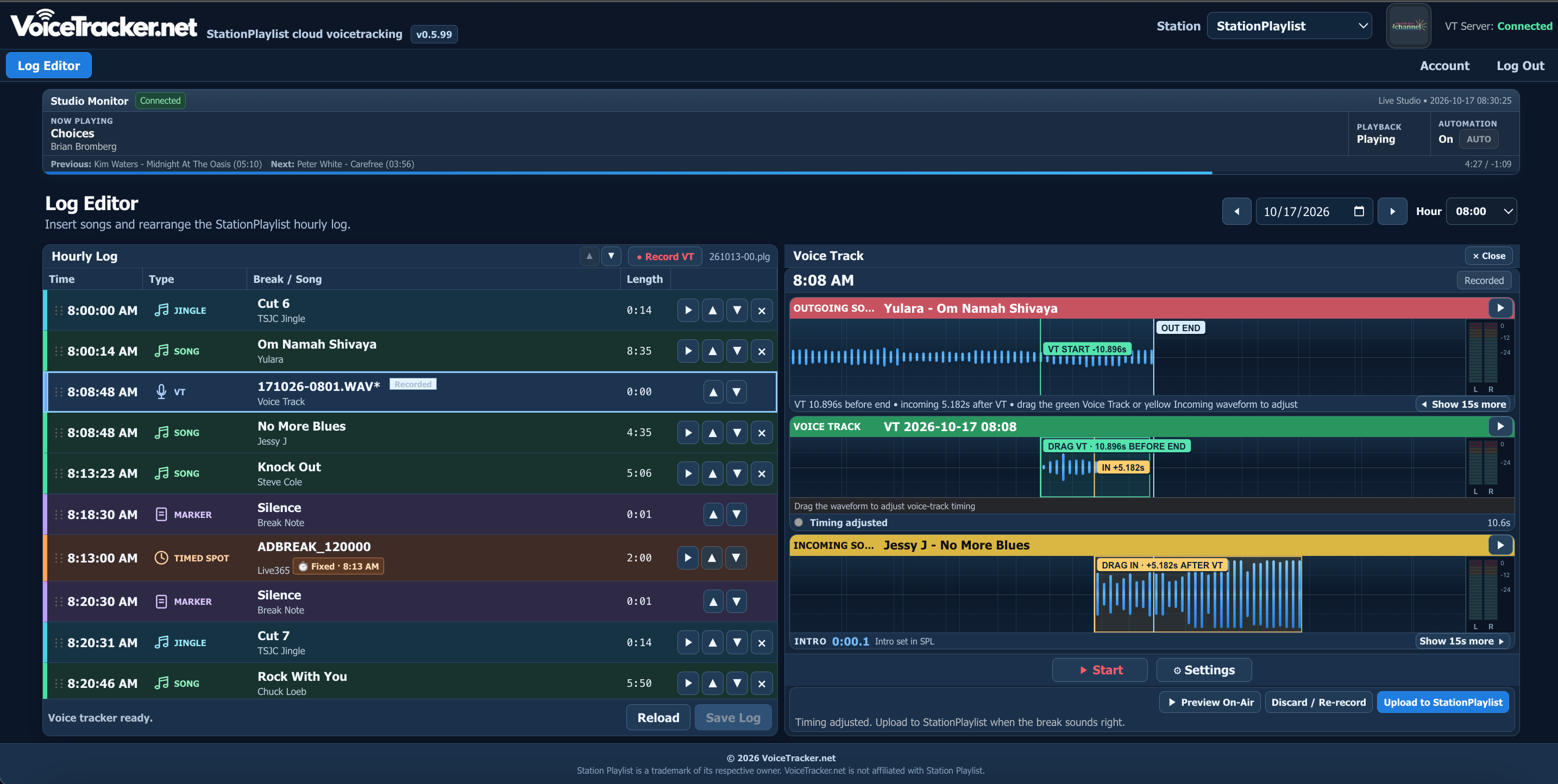
Use a microphone and supported web browser to voice track without a separate DJ desktop application or remote desktop connection.
Record, preview and deliver professional voice tracks in your browser. Your DJs get the flexibility to work remotely, using your station’s existing StationPlaylist VT Server.
Built for radio professionals
A familiar StationPlaylist workflow, now available to your talent wherever they are.
Use a microphone and supported web browser to voice track without a separate DJ desktop application or remote desktop connection.
Preview the outgoing song, your recorded voice track and the incoming song together before sending the finished break.
Open hourly logs, select voice-track markers and deliver recordings through your existing StationPlaylist VT Server.
How it works
Three straightforward steps, using the StationPlaylist equipment you already have.
Configure VoiceTracker.net to work with your StationPlaylist VT Server.
Open your log, play the song outro and record your voice break from the browser.
Listen to the complete transition, then upload the finished voice track back to your station.
Requirements: StationPlaylist Studio Pro and a configured StationPlaylist VT Server. StationPlaylist software is sold separately.
The flexibility of cloud voicetracking for your StationPlaylist station.
Monthly subscription · Secure customer billing
Good to know
Everything you need before getting started.
Visit support & updates →No. VoiceTracker.net works alongside StationPlaylist Studio Pro and connects through your station’s existing StationPlaylist VT Server.
No separate desktop voicetracking app is needed for DJs. Use a supported browser and microphone. Your station still needs its StationPlaylist VT Server.
Yes. Preview your voice track with outgoing and incoming audio, then send it to the station when it sounds right.
Cloud VT Login is for recording and delivering voice tracks. Use Billing Login to manage subscriptions and invoices.